Create your profile
Add services, prices, availability, and contact details.
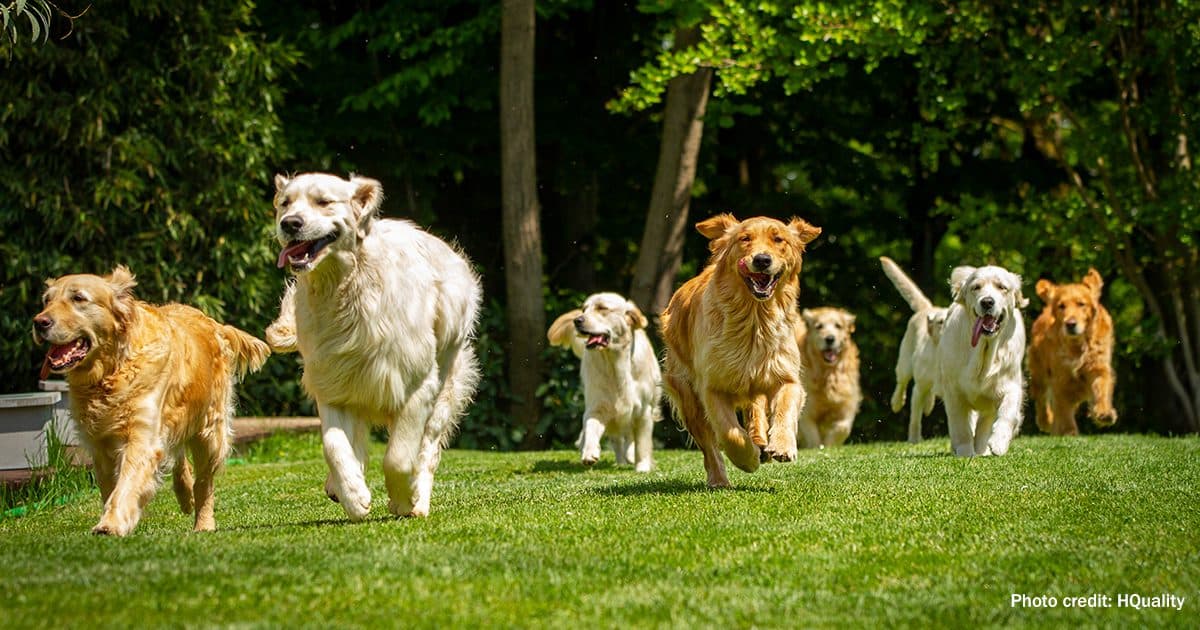
Paw & Sleep Hotel
Care and overnight stays for pets
Add a booking button to your website without rebuilding your site.
No commission on bookings.
Example on your website
You can add the same online booking button between sections of your website, for example under pricing, on the contact page, or on the homepage.
What happens after the click?
The booking form opens in a window on your website. The client can choose a date and send a reservation request without leaving your site.
You can also use a separate link to the booking form page. It is easy to send to clients or add to your menu, pricing section, footer, or messages.
Example link: https://demo.sitpup.com/book?locale=enYou can also share a ready profile page with your services and online booking.
Example profile page: https://demo.sitpup.com/?locale=enAdd services, prices, availability, and contact details.
Choose what information clients should provide when booking.
Copy a short code and add it to your website or send it to your webmaster.
You will generate the button code in the SitPup dashboard after configuring the form.
Who it is for
The widget works well when clients ask about availability, dates, and care details before booking.
Contact us and we will help you decide where the booking button fits best.
Contact usIt’s the natural next step when you want to scale your business and build a strong, independent online presence on your own domain.
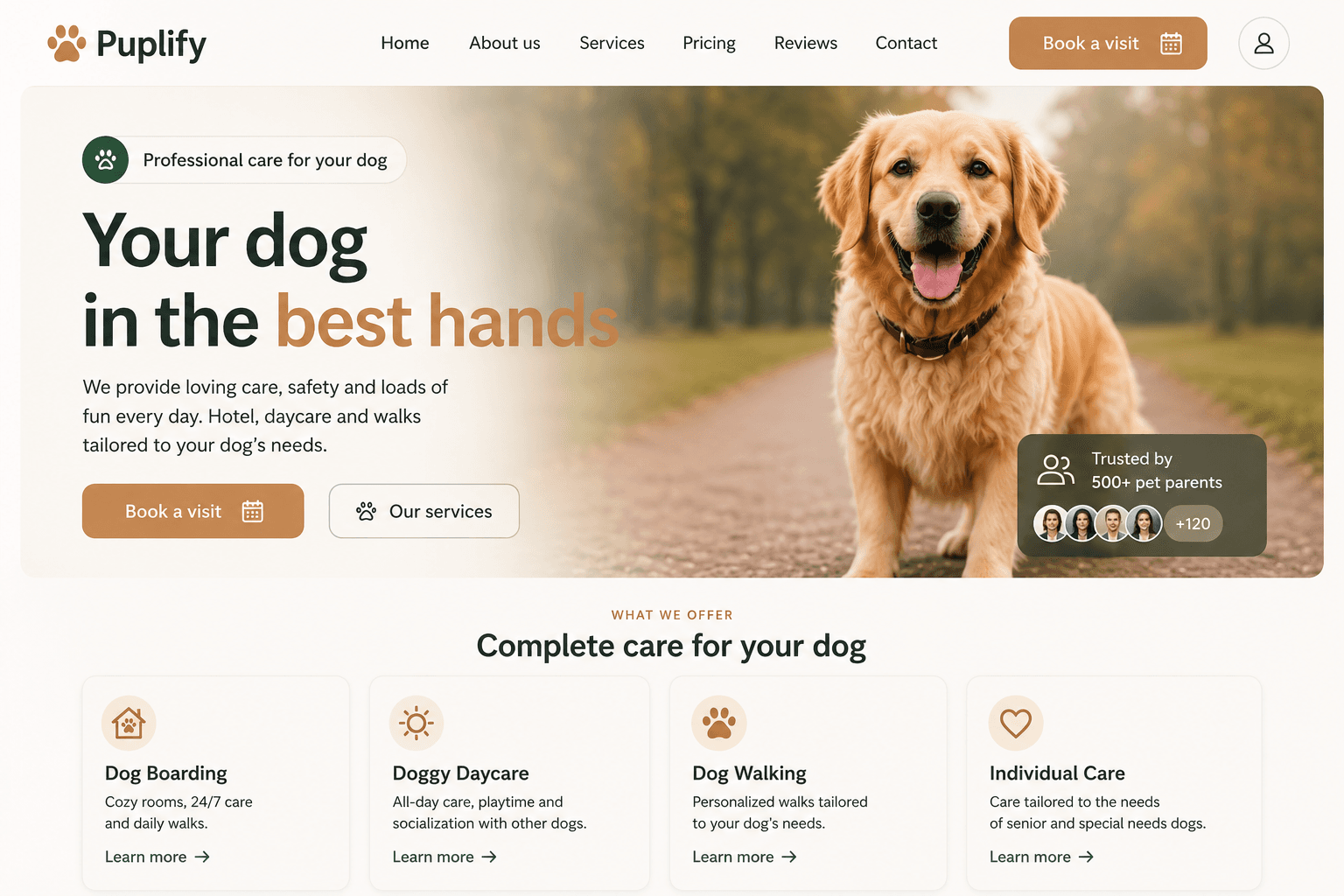
Configure your booking form, generate a button, and add it to your website. Clients can send a reservation request without leaving your site.
No commission on bookings. The widget is available in selected SitPup plans.